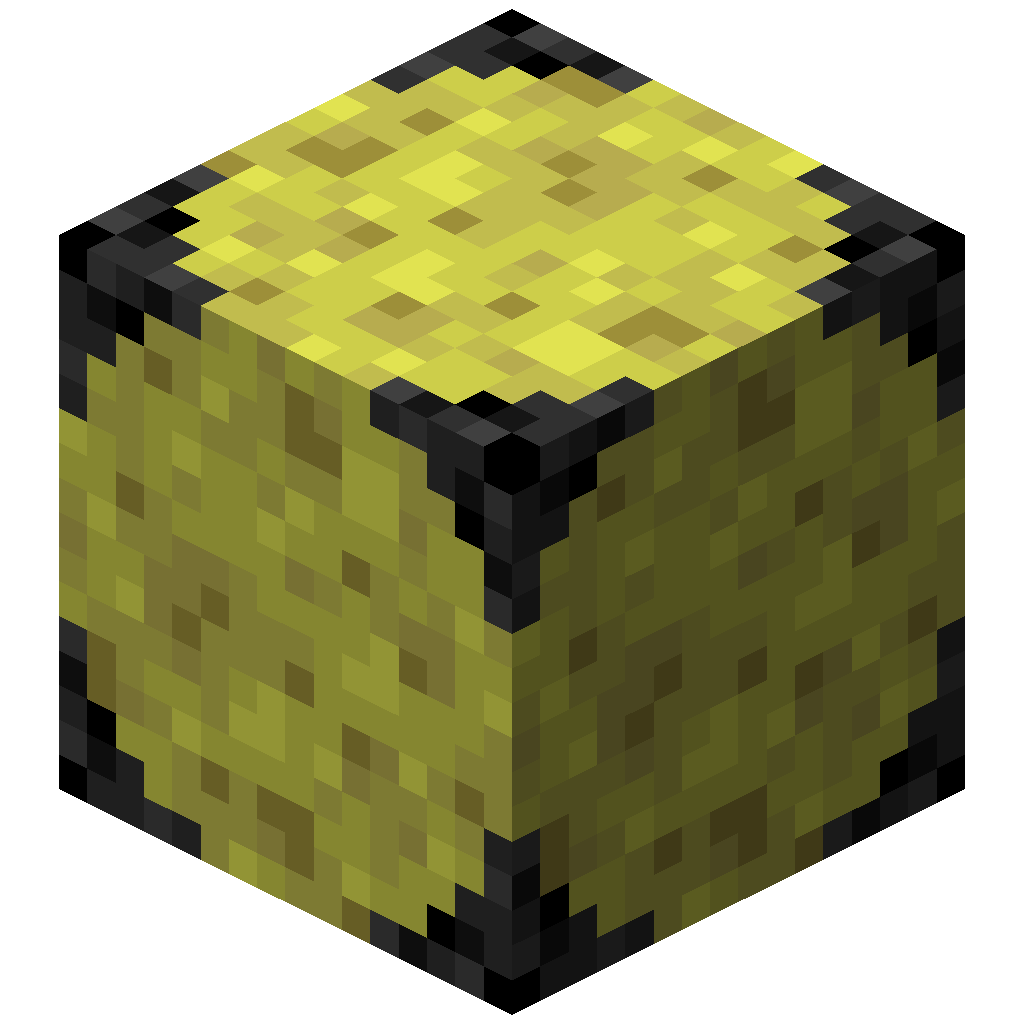
Getting started
More Sponge adds sponges that soak up lava, snow and fire as well as water. Each one can be compressed into stronger versions with a much bigger reach.
Install
- Install Fabric with Fabric API, or NeoForge, for Minecraft 26.3.
- Put the More Sponge jar in your
modsfolder. - Optional: add JEI to look up freezing recipes and freezer fuels in game.
Your first sponges
All four elements start from a regular sponge. Find one in an ocean monument, or buy one from a Water Sponge Trader. Surround the sponge with the opposite element:
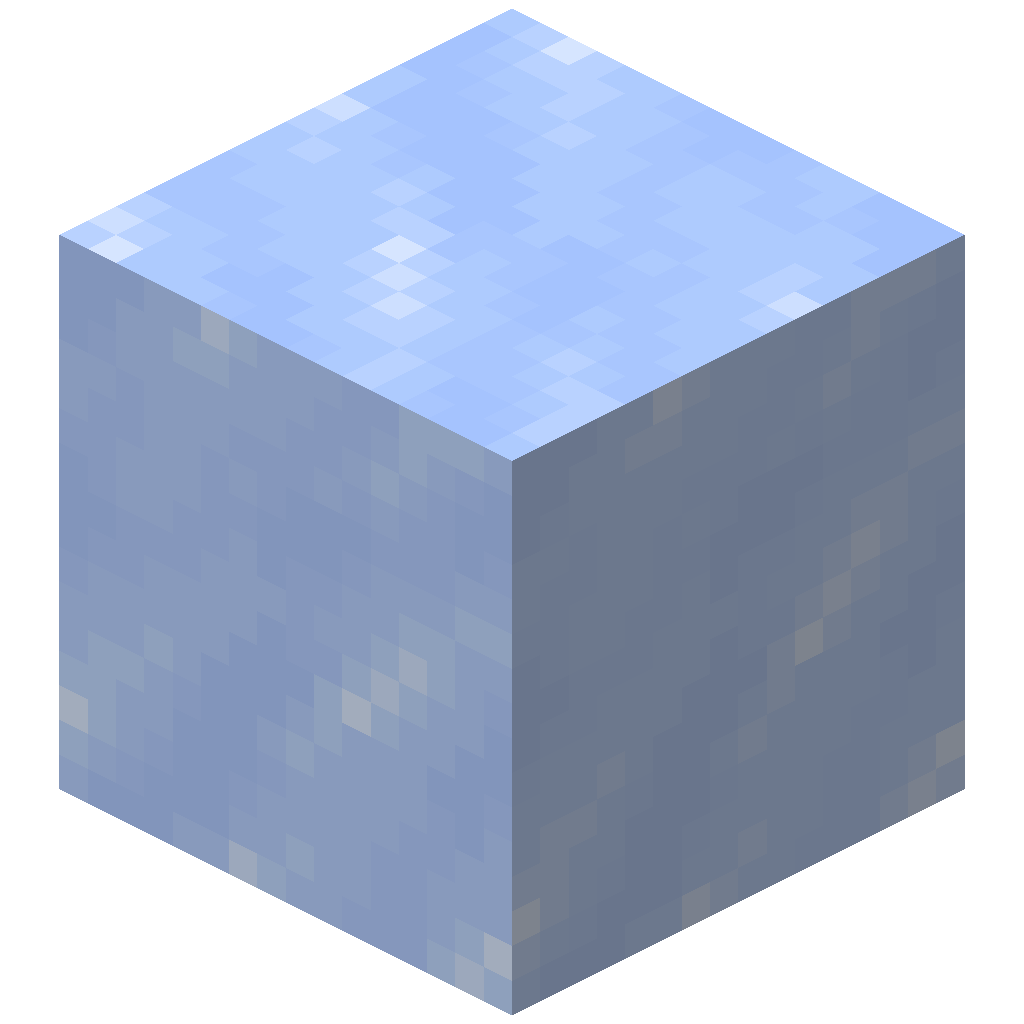
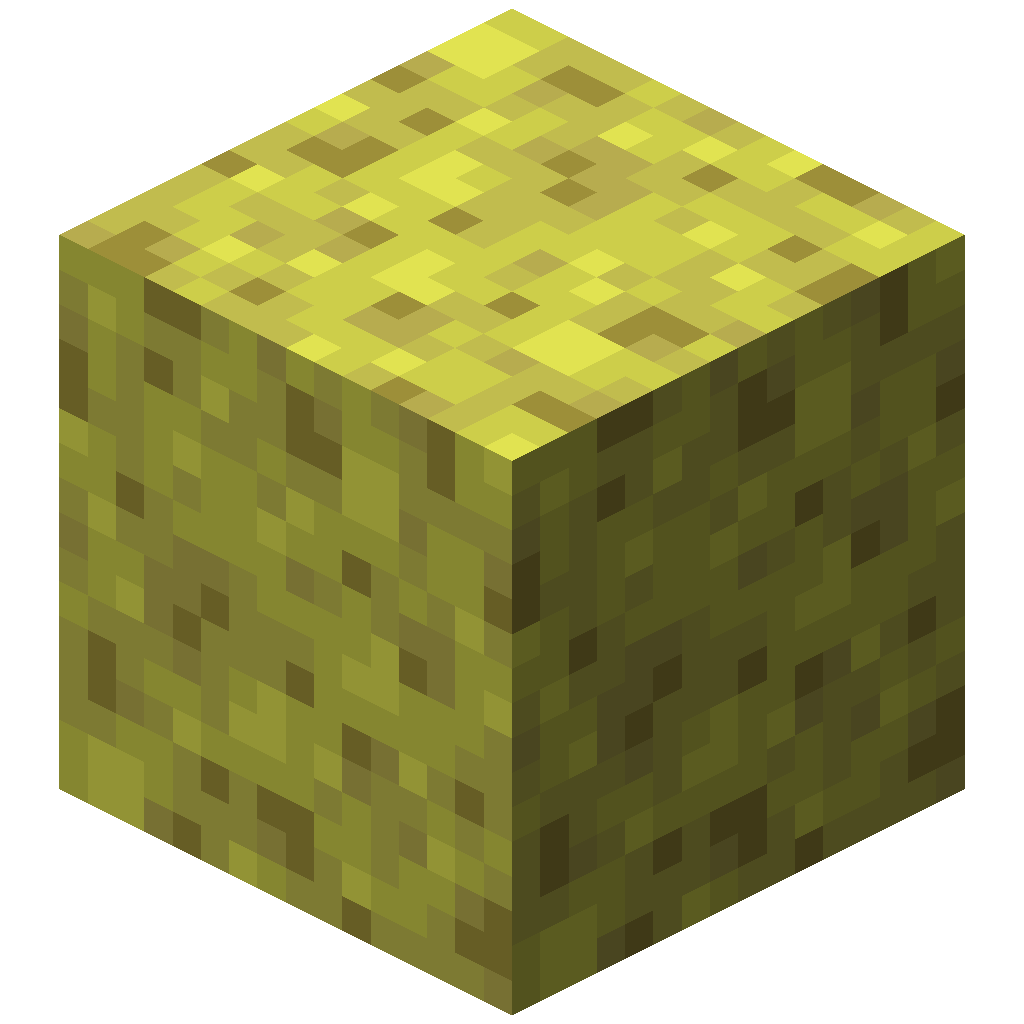
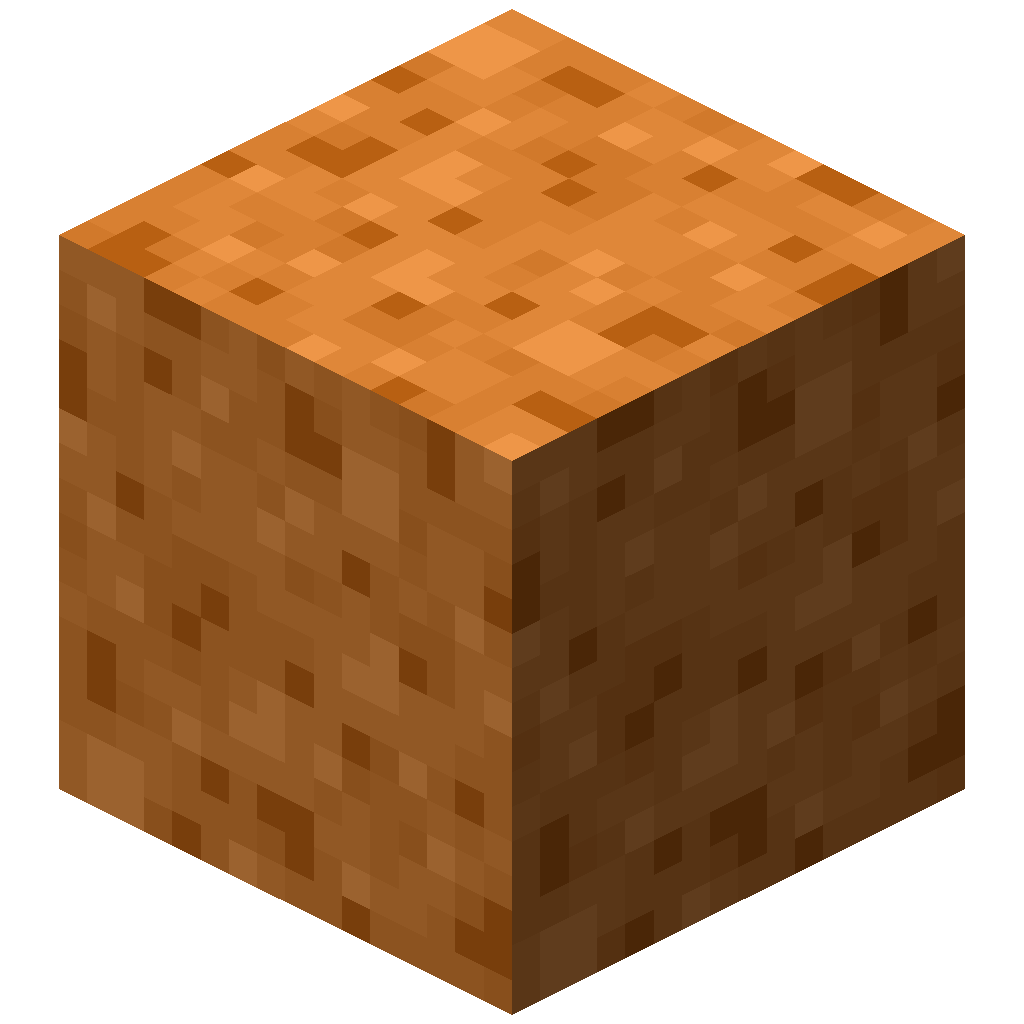 Lava Sponge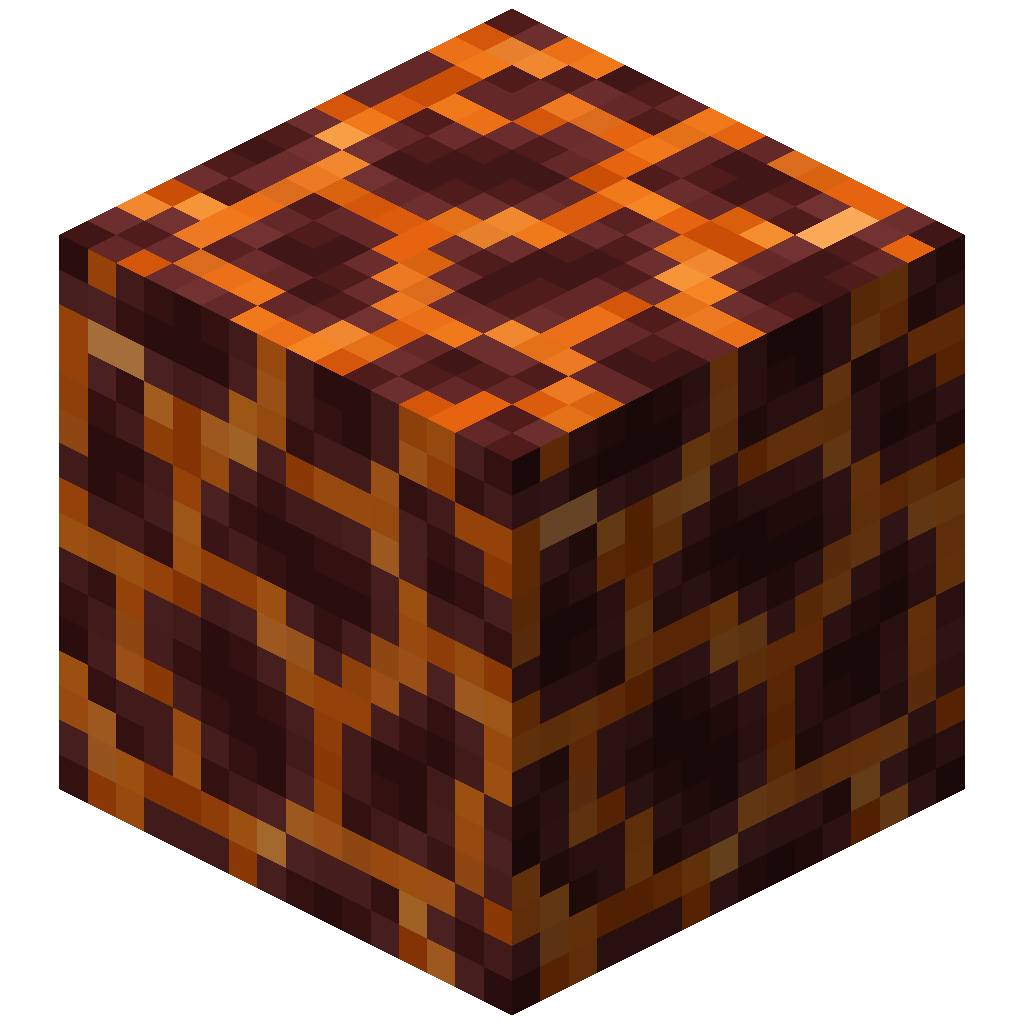
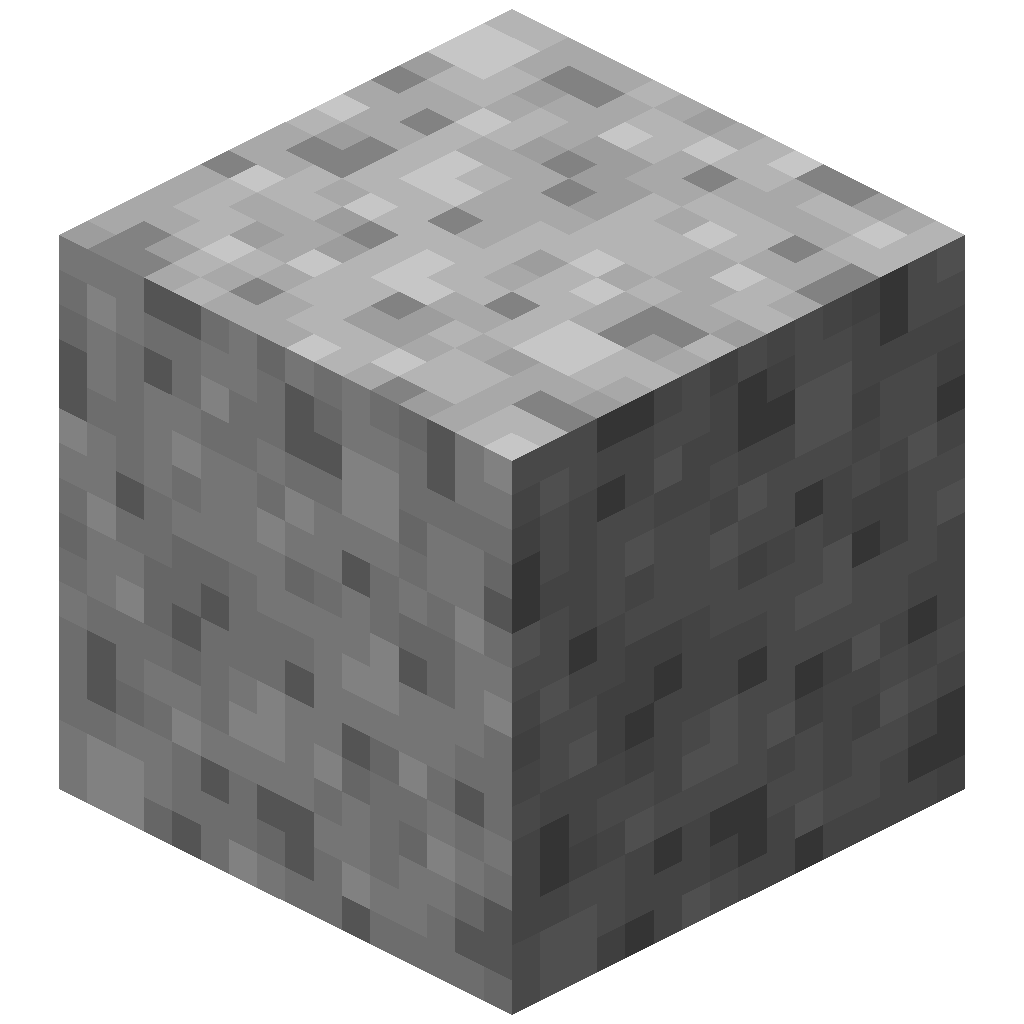 Snow Sponge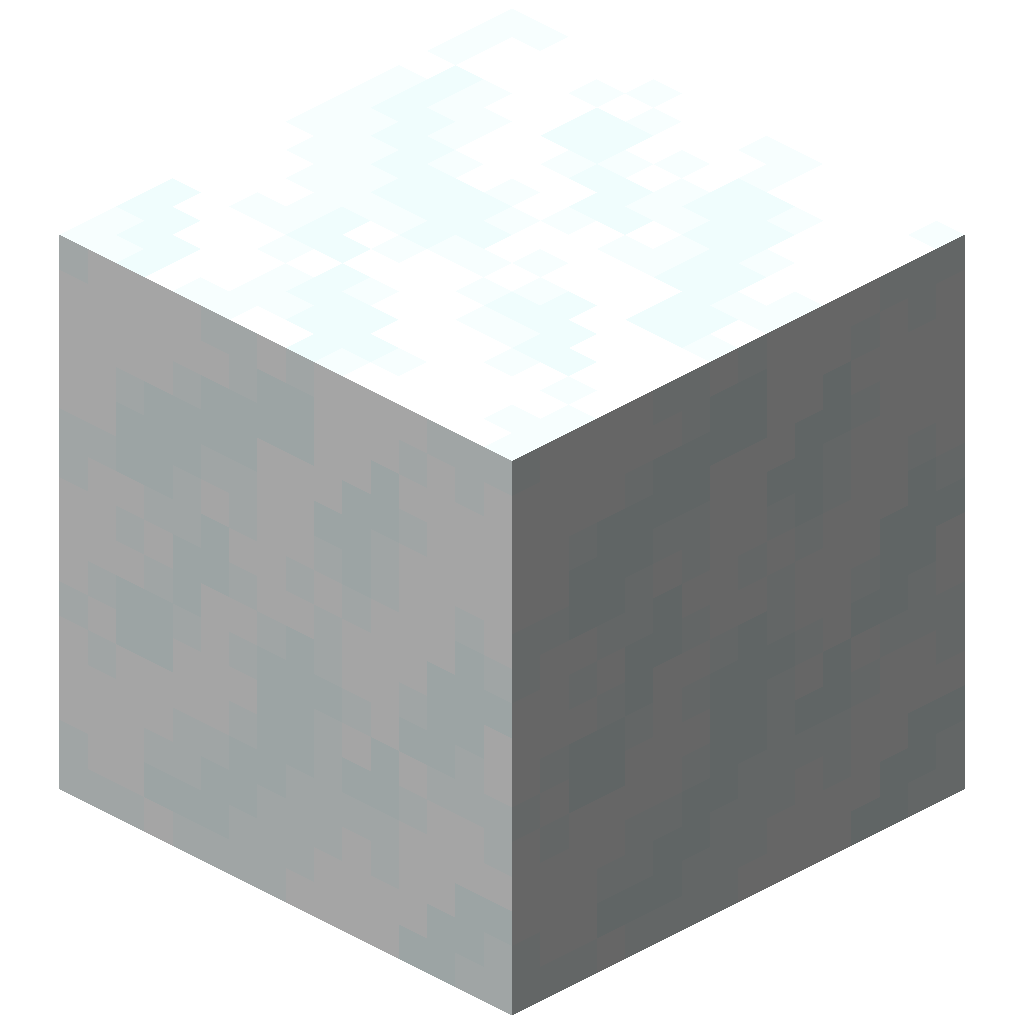
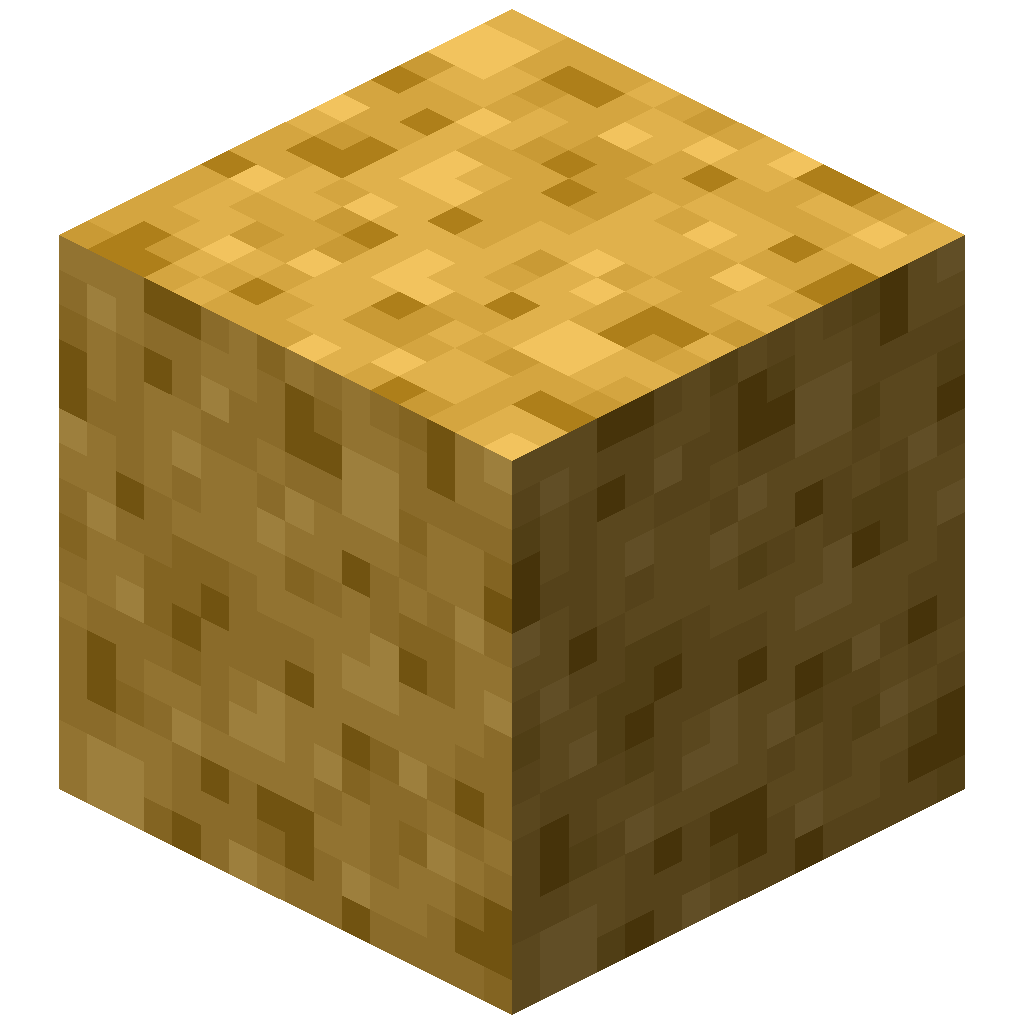 Fire Sponge
Place a sponge next to its element and it soaks it up. A soaked sponge changes texture and stops working until you reset it. The sponge pages show how to reset each type.
TIP
A Lava Sponge has the same reach as a vanilla sponge. Put four of any sponge in a 2×2 grid to get a compressed sponge with a much bigger reach.
Resetting soaked sponges
| Soaked sponge | Resets instantly when placed… | Or smelt it in |
|---|---|---|
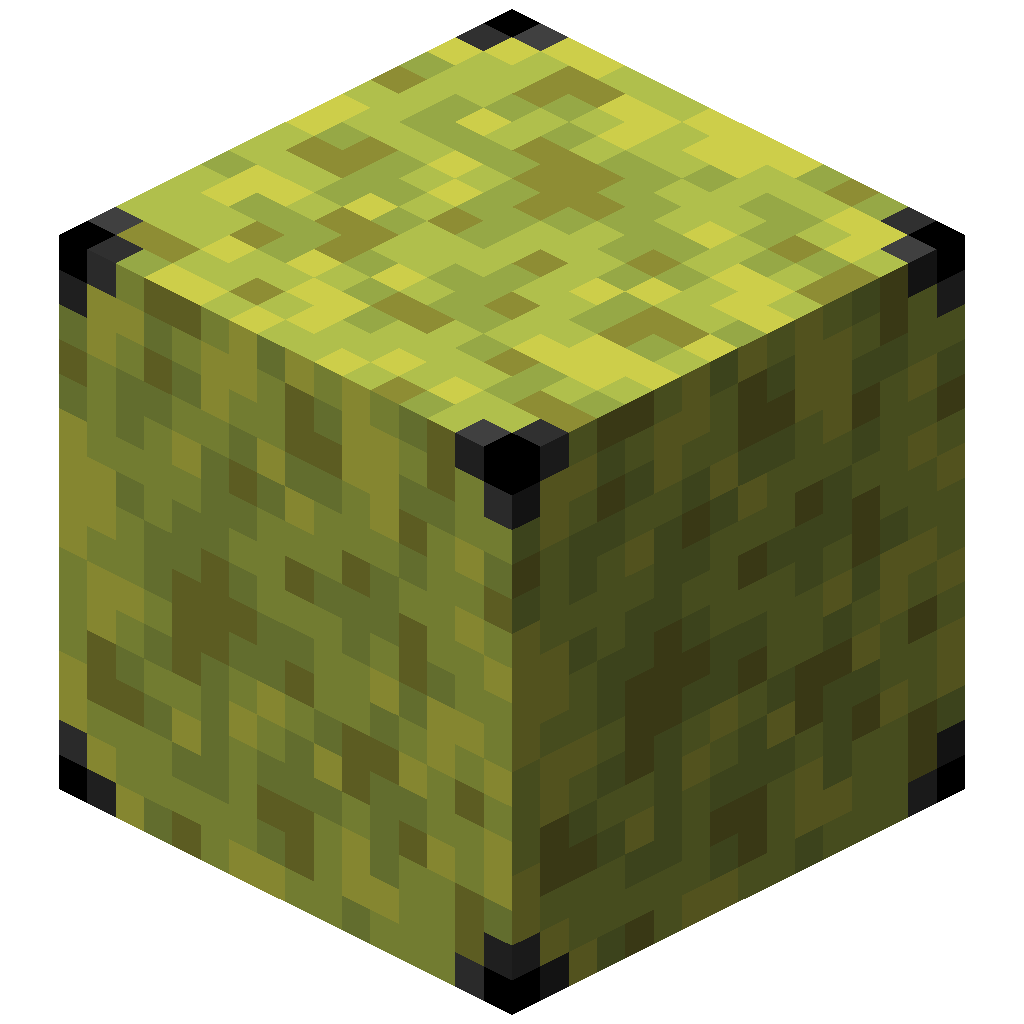 Wet Compressed Sponge 1x Wet Compressed Sponge 1x | in the Nether | Furnace |
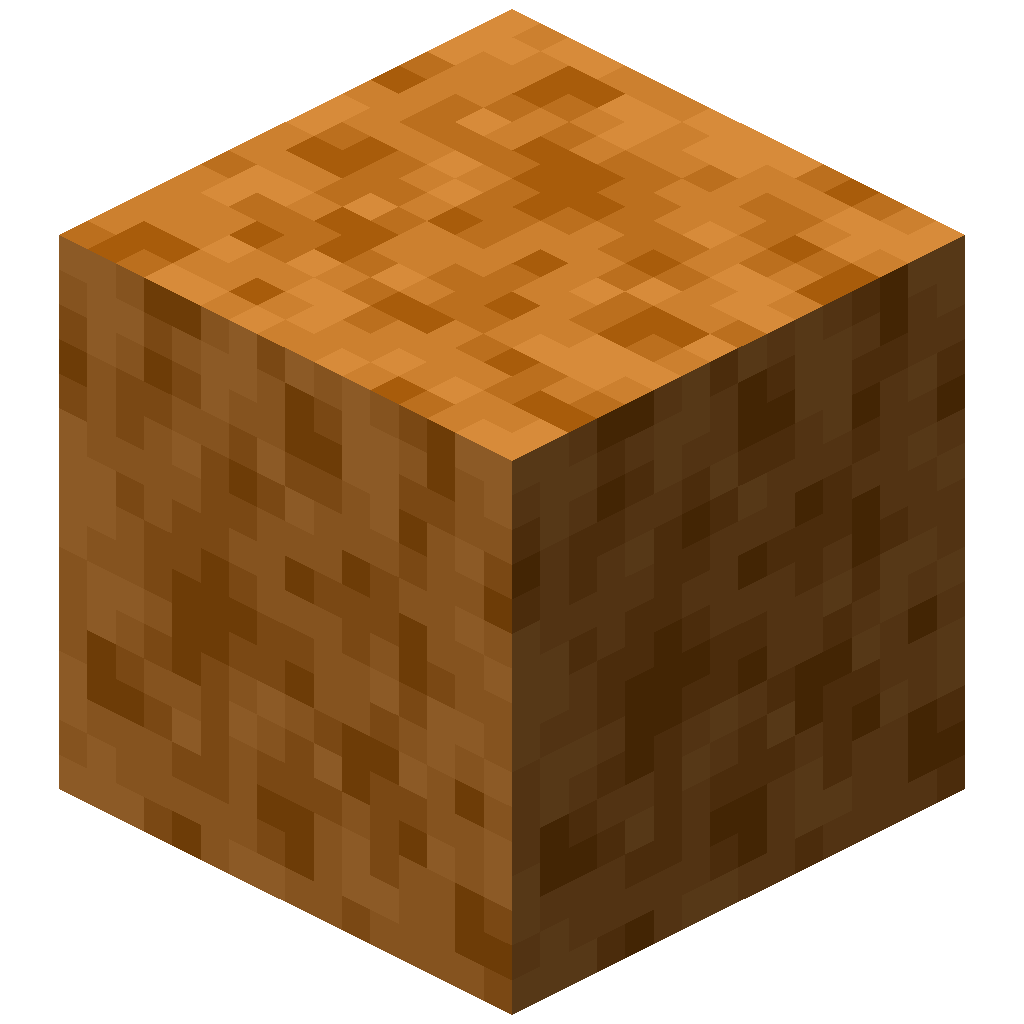 Hot Lava Sponge Hot Lava Sponge | in a snowy biome | Freezer |
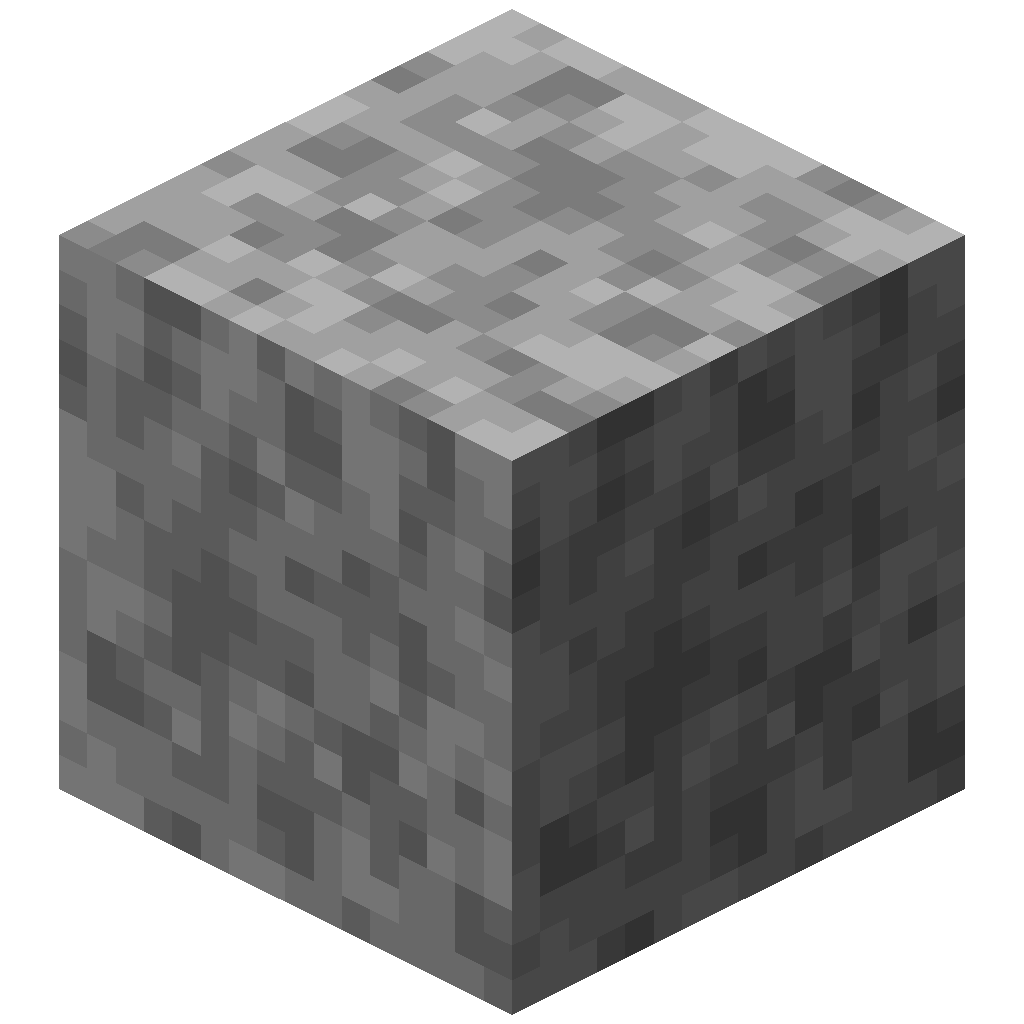 Frozen Snow Sponge Frozen Snow Sponge | in the Nether | Furnace |
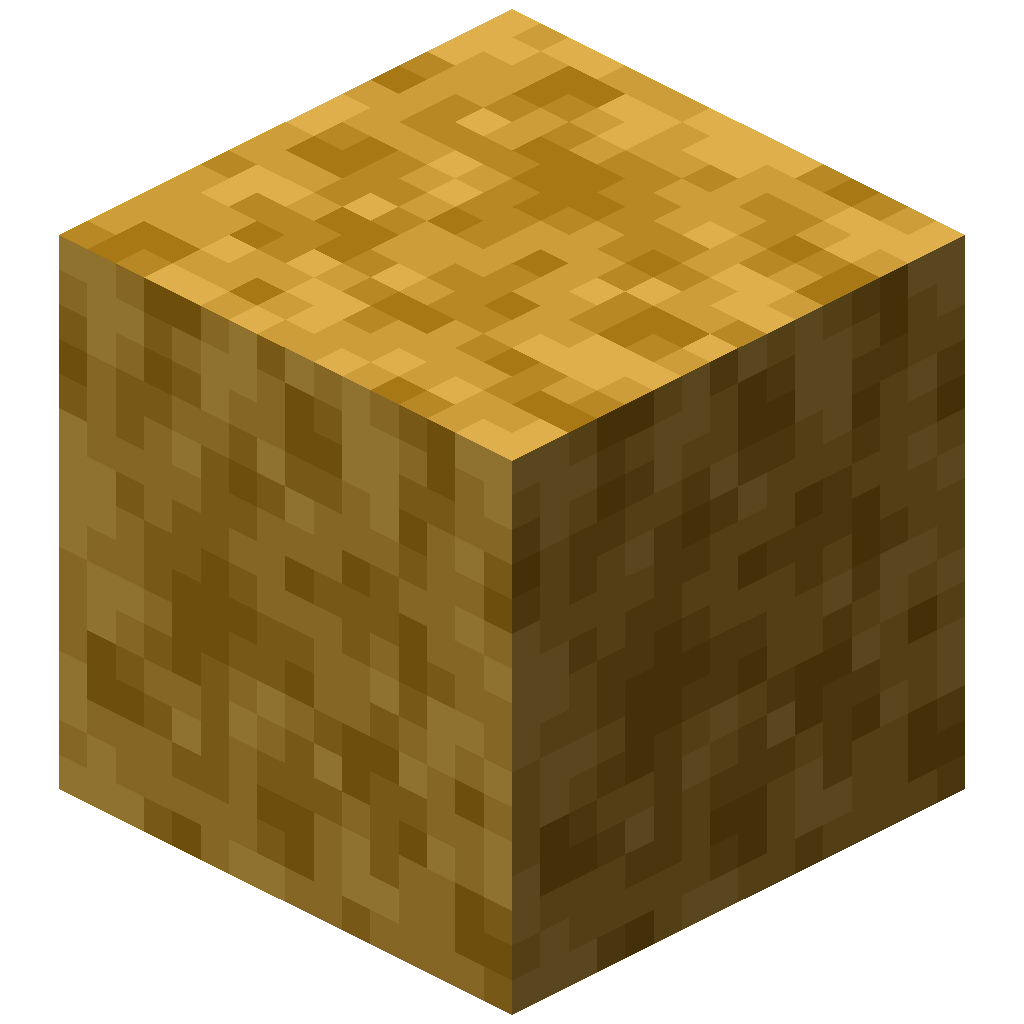 Burnt Fire Sponge Burnt Fire Sponge | in a snowy or ocean biome, or touching water | Freezer |
Where to go next
- How sponges work: reach, search limits and an interactive range comparison
- Compression: every tier and how to craft it back down
- Sponge traders: where they spawn and what they sell